New arrivals
Choosing a 3-in-1 Wireless Charging Stand for Your Desk
By Modexa · Published
Compare two new Modexa charging stands and check device fit, desk space and what comes in the box.
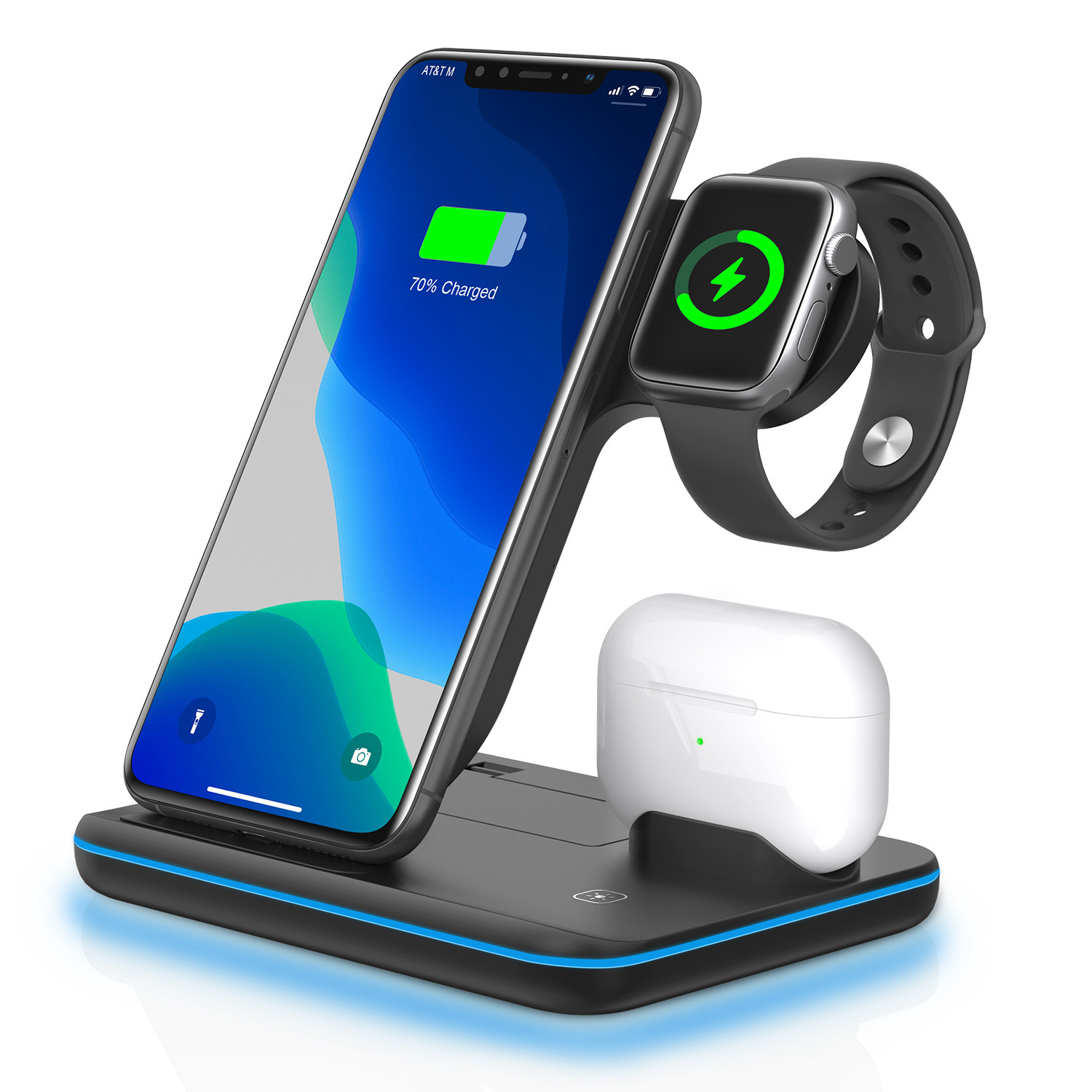
Start with the devices you charge
Write down the exact models of your phone, watch and earbuds case, then check which charging positions each model can use. A phone that charges wirelessly and a watch made by the same brand can still have different charging requirements. If the listing leaves your model unclear, confirm it before replacing your existing chargers.
Make room for the stand and the cable
The Z5B lists dimensions of 13.6 × 10.1 × 13.6 cm. Measure the available desk surface, including space behind the stand for the cable and above it to lift off the phone. If you use a thick case or a removable grip, check whether the phone can still sit securely on the stand.
Compare what comes in the box
The Z5B lists a USB-C connection and includes a 3 A charging cable and a manual. The other desktop stand is advertised as 15 W and lists the charger in its packing list. Confirm the required wall adapter and whether it is included before ordering. If you plan to charge several devices together, ask what output each position can deliver in that setup.
Explore the products
Questions before ordering? Contact Modexa. Review our shipping policy and return policy.