Laptop accessories
Choosing a Laptop Cooling Pad: Fit Your Desk Before Counting Fans
By Modexa
Check laptop fit, desk space, viewing height and USB power before choosing a cooling pad. A practical guide without promised temperature drops.
Choose for the way you actually work
A cooling pad becomes part of your working surface, so begin with your everyday setup. Do you type directly on the laptop, or use an external keyboard? Does the laptop stay on a desk, or move between rooms? The answers affect how useful a raised platform will feel. This guide is a purchasing checklist, not a thermal test, and does not promise a particular temperature reduction or improvement in performance.
Measure the laptop and the available surface
Write down the laptop's width and depth, then compare them with the pad's current specifications. Also measure the space left on the desk once the mouse, charger and other accessories are in place. A screen-size label is a starting point rather than a complete fit check. Look for stable support and enough room to connect cables without pressing them against a wall. Ask about unclear dimensions before treating a compatibility label as confirmation.
Think about height and typing position
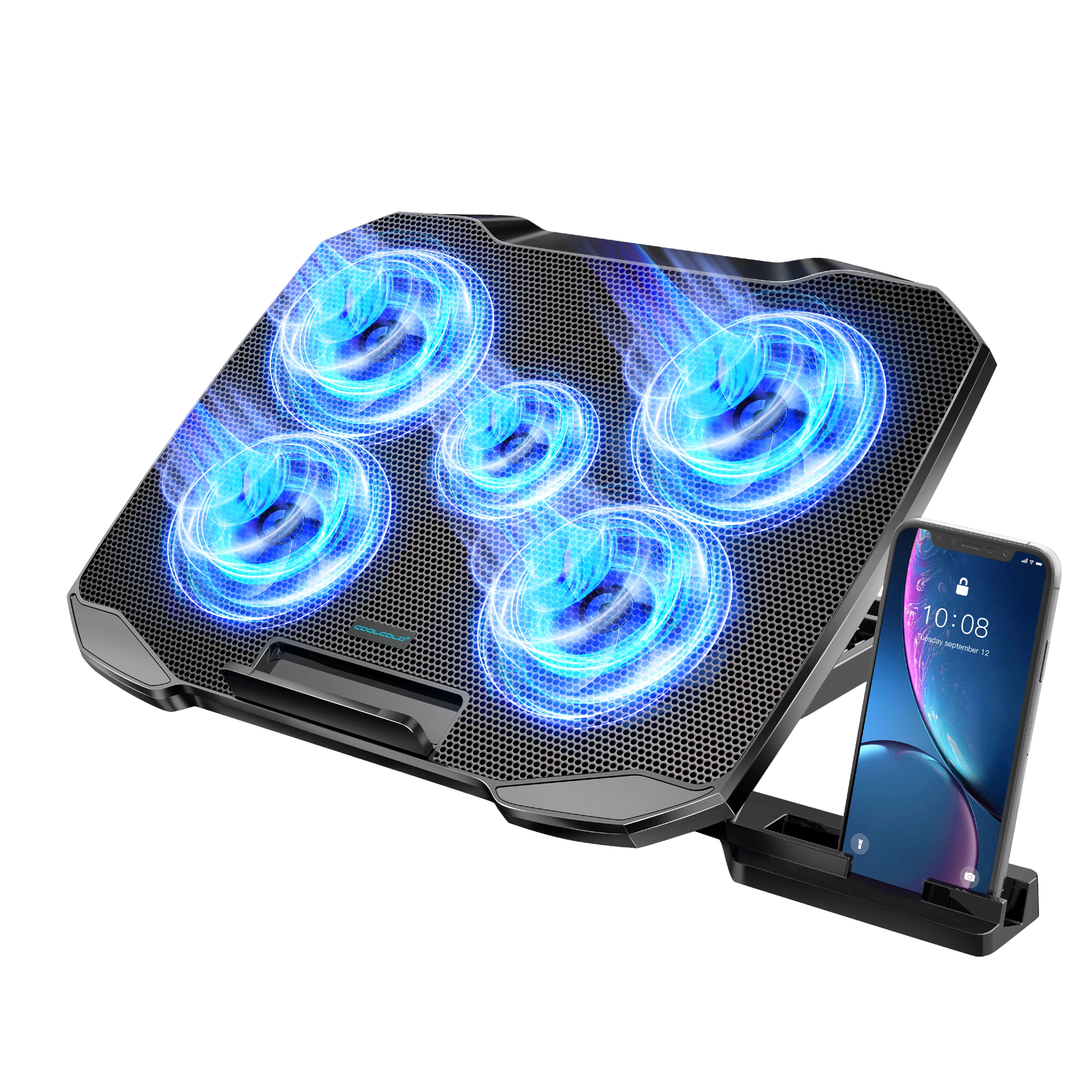
An adjustable platform can change where the laptop screen sits, but a useful screen position also needs a comfortable way to type. Imagine the keyboard at each angle you expect to use. If you work with a separate keyboard and mouse, leave space for them in front of the laptop. Check how the platform holds its angle and supports the device. Product photographs help explain the mechanism; they do not replace checking whether it suits your desk.
Read the listed features as features, not results
The COOLCOLD listing at Modexa describes five fans, adjustable height settings and USB connections. Those details help identify the product, but fan count alone does not tell you the result for your laptop. Do not read a cooling accessory's title as a measured performance claim. Compare the listed design with your laptop's instructions and requirements, and check the current product page for the exact version you are ordering.
Plan the cable and USB connection
Check how the pad receives power, which cable is supplied and which connection you will use on your laptop or another supported power source. Keep the cable route in mind when deciding where the platform should sit. If the listing mentions additional USB ports, confirm their intended use rather than assuming they replace every function of a separate hub. Make a short list of the devices already occupying your laptop's ports before adding another accessory.
Make the final decision around fit and usefulness
A sensible purchase should fit the laptop, fit the workspace and solve a clear problem in your routine. Review the current options, dimensions and included items before checking out. Keep the laptop manufacturer's instructions as the reference for operating conditions and maintenance; an accessory should not be treated as a repair for a malfunctioning device. If you cannot establish the fit from the listing, send the laptop model and your measurements to support before ordering.
Check the manufacturer guidance
Explore the products
Questions before ordering? Contact Modexa. Review our shipping policy and return policy.