Laptop accessories
Choosing a MacBook Hard Case That Fits Your Model
By Modexa
Check your exact MacBook model before buying a hard shell case. Compare model compatibility, cutouts, ventilation and sleeve fit.
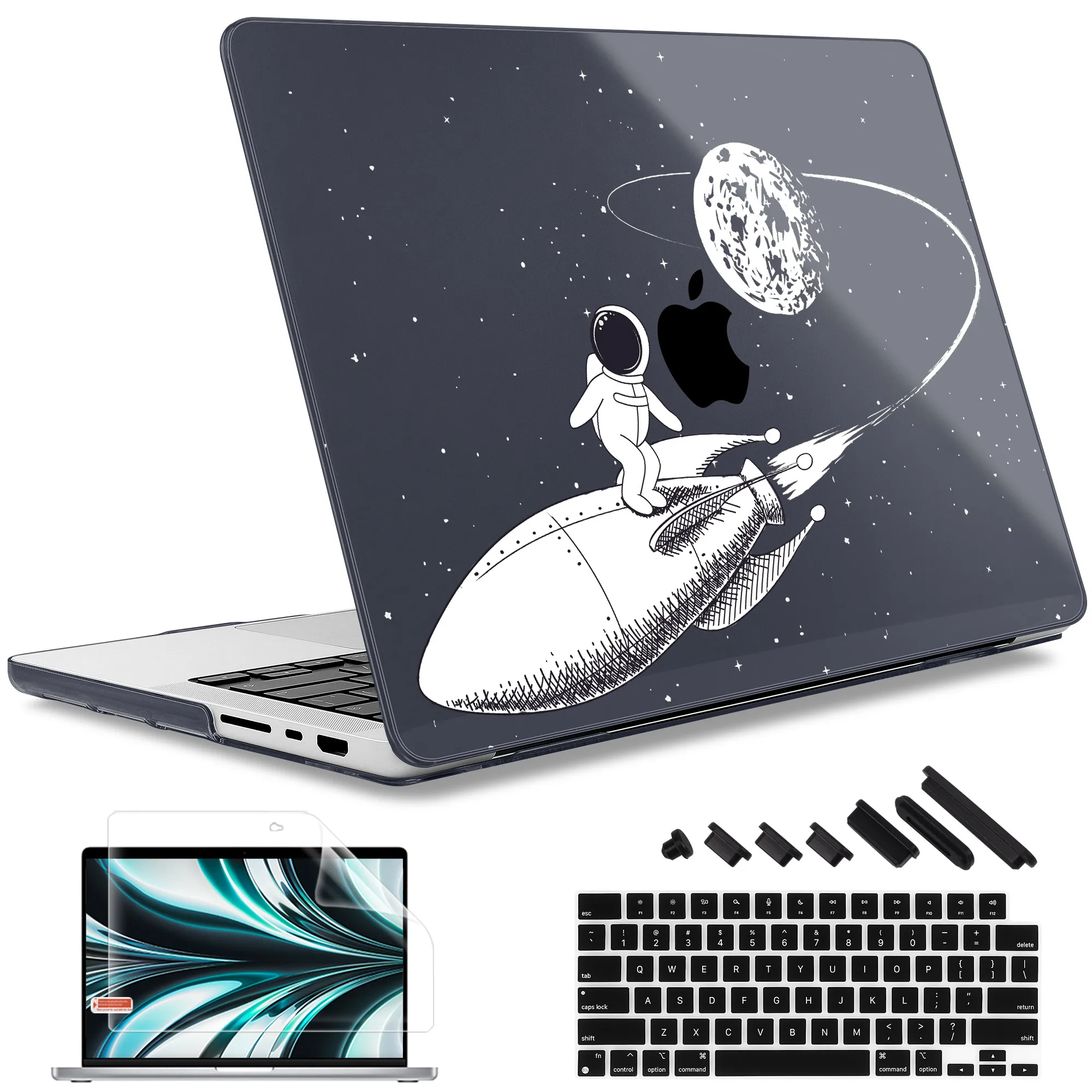
Identify the MacBook before shopping
Record the exact MacBook model and screen size using the device information available on your computer. Match that information to the compatibility list in the case description. Air and Pro models with similar screen sizes can use different shells. Do not assume a case fits because its title includes MacBook or because the product photo resembles your laptop.
Read the selected variation carefully
A listing may offer several model options using the same design image. Check the selected option as well as the compatibility text. Where the listing specifies a model number, compare it with your device information. If the details conflict or your model is not clearly listed, contact the store before ordering rather than guessing from the laptop size.
Look for practical cutouts and ventilation
Review photos of both the top and bottom sections. Check that the design is intended to leave the required ports and ventilation areas accessible on the supported laptop. Consider whether your cables or accessories need extra room around a port. Avoid covering openings with stickers or other additions, and follow the installation guidance supplied for the selected case.
Understand what a hard shell is for
Read the listing for materials and any stated protection features. A fitted shell can be chosen to help protect exterior surfaces, but it should not be treated as a guarantee against drops or damage. For carrying the laptop in a bag, consider a suitable sleeve as well. Keep grit and hard objects away from the laptop surface when installing or transporting it.
Check the fit with your sleeve
Adding a shell changes the outside dimensions of the laptop. If you already own a close-fitting sleeve, compare its usable dimensions with the laptop while the shell is attached. Do not force a zipper or closure around an overly tight fit. Read the sleeve guidance and ask about unclear measurements before ordering the two accessories together.
Choose the finish and review the details
Decide whether you prefer a clear shell, solid colour or printed design, then inspect the gallery and listed finish. Check whether the set includes both sections and any additional accessories. Before checkout, confirm the model option, compatibility, shipping information and return policy. If the fit feels wrong during installation, stop and check the instructions rather than forcing the clips.
Questions before ordering? Contact Modexa. Review our shipping policy and return policy.