Custom designs
How to design a custom phone case with your own photo
By Modexa
Choose a photo, check your phone model and preview a personalized case with this practical Modexa design guide.
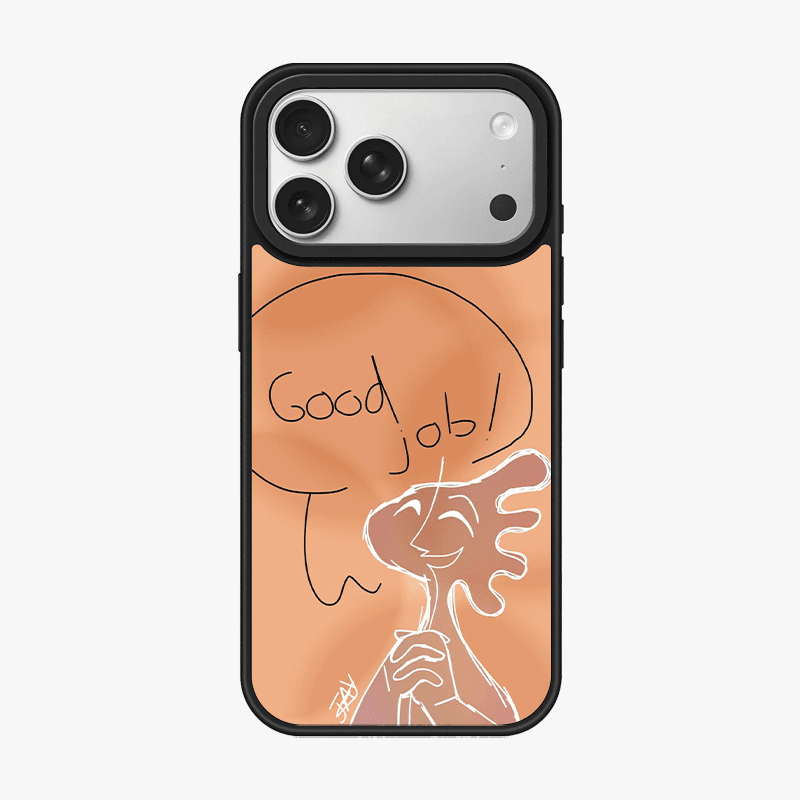
Design inspiration from our ready-made phone case collection. Custom options vary by product.
Start with the exact phone model
A great design still needs the right fit. Check the model name in your phone settings before choosing a case. Similar names can refer to different sizes or camera layouts. Select the matching option in the product designer and review the product details before ordering.
Choose a clear original photo
Use the original image from your camera or photo library rather than a screenshot or a picture downloaded from a messaging app. A clear, well-lit photo gives you more room to crop. Pet portraits, family photos and travel memories can all work well. Choose an image you own or have permission to use.
Leave room around the subject
A phone case has camera openings and edges that can change the visible area of your picture. Keep faces and important details away from those areas. If the photo looks crowded, try a smaller subject on a simple background. Check the preview rather than assuming the entire original photo will appear.
Build your design in Modexa
Open the custom designs page, choose a phone case and select the available model or finish. Add your photo, artwork or personalized text using the designer. You can also start with a background pattern. Move and resize the design until the main subject is easy to see. Available options depend on the selected product.
Keep names and text easy to read
A short name or phrase often works better than a long message. Choose a text colour that stands out against the background, and avoid placing letters over a busy part of the photo. Look at the preview at a smaller size: if you cannot read the text easily, simplify it.
Review before checkout
Check the model, spelling, image position and selected options. Screen colours and physical print colours may differ, so treat the preview as a design aid. Review the listed price, shipping information and return policy before purchasing. Save a copy of your original photo and design for your own records.
A simple idea to try
For a pet photo case, use a clear portrait with space around the head, choose a plain background and add the pet’s name below. The same approach works for a favourite landscape or a small piece of original artwork. Keep one focal point so the design remains clear.
Questions before ordering? Contact Modexa. Review our shipping policy and return policy.