Car accessories
Before Buying a Wireless CarPlay Adapter: Check Your Car First
By Modexa · Published
Check existing wired CarPlay, the correct USB connection and your exact head unit before choosing a wireless CarPlay adapter for your iPhone.
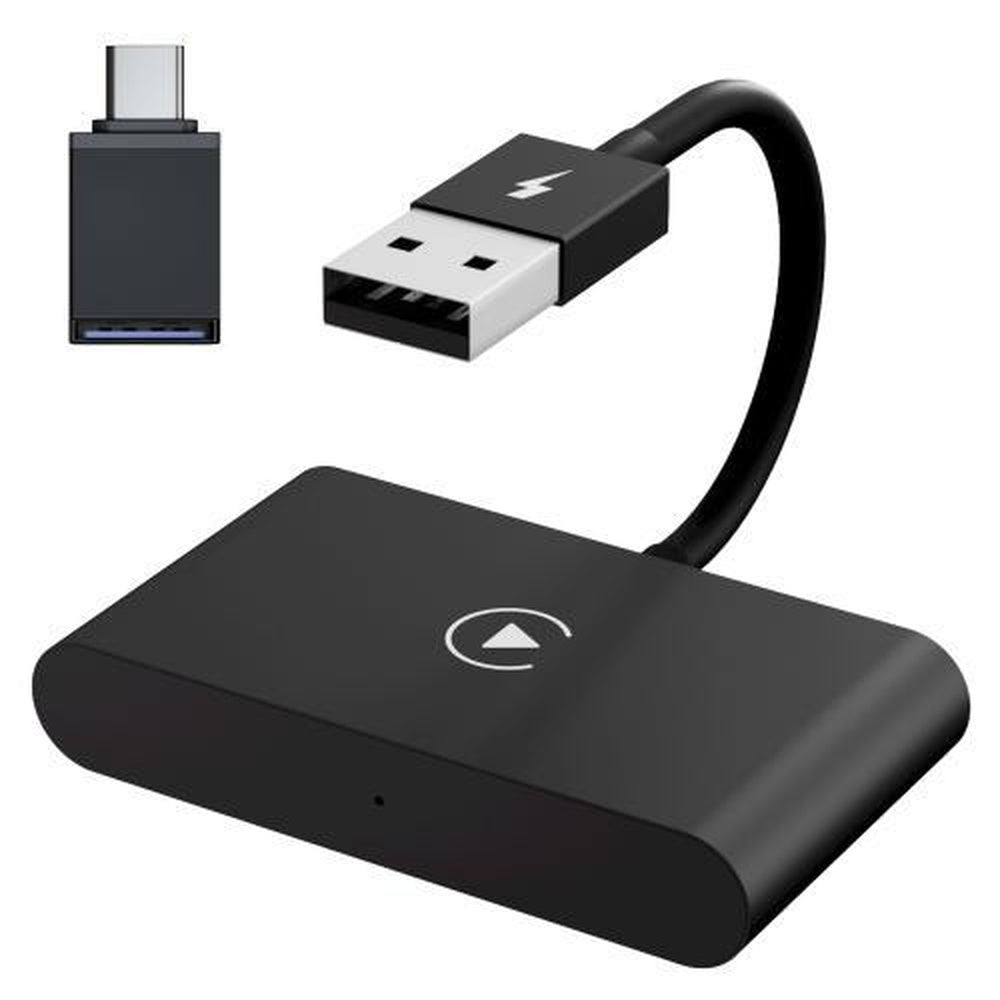
Check the feature already installed in the car
Before ordering an adapter, establish what your current head unit can do. The Modexa listing discussed here is intended for a factory wired CarPlay setup. That description is important: a Bluetooth audio connection, charging socket or ordinary USB media port does not by itself establish wired CarPlay support. Check the vehicle or head-unit manual and make a note of the exact system installed. The model year alone is not enough information for a reliable compatibility question.
Try the current wired setup first
Apple explains that a supported wired CarPlay connection uses the vehicle USB port and a suitable cable. While parked, follow the car and phone instructions and confirm that CarPlay opens with your normal wired connection. If it does not, resolve that first rather than buying a wireless adapter as a general repair. Record which socket worked and any settings you had to select. This gives you a useful starting point when comparing the adapter requirements with the equipment in your car.
Prepare a specific compatibility question
A useful enquiry includes the vehicle make, model and year, the head-unit brand or model if known, the iPhone model, and whether wired CarPlay already works. Mention whether the unit is factory fitted or a replacement. You can attach a photograph of the connection panel when emailing support, without including private vehicle or account details. Ask for confirmation of your combination and whether anything additional is required; do not rely on a broad promotional compatibility range.
Separate connection convenience from charging
Decide how you will power the phone during the journeys you actually make. Reducing the cable needed for the CarPlay connection is a different requirement from charging the phone. Look at your existing car charger and the space available around the console before adding accessories. Check the adapter instructions for its power and connection requirements. Avoid stacking unrelated adapters or buying several new accessories at once before confirming that the main connection works as intended.
Check setup and support before purchasing
Ask where the instructions are provided, what to do if pairing fails and whether the product has an identified support or update process. Apple provides guidance for vehicles that support wired or wireless CarPlay, but that does not certify a particular third-party dongle for your car. Check the supplied product instructions alongside the vehicle manual. Keep any settings changes documented so you can describe a problem clearly rather than repeating the whole setup without knowing what changed.
Set up while parked and keep a simple fallback
Complete pairing and test the functions you need while safely parked. Check how the system behaves when you start another trip and, if relevant, how it handles more than one phone. Keep your working wired cable available until you are confident with the new arrangement. Review the current Modexa product page and return policy before ordering, then contact support if the exact vehicle and head-unit combination is not confirmed. A careful pre-purchase check is more useful than an unsupported promise that one adapter fits every car.
Sources and product details
Explore the products
Check the factory wired CarPlay adapter
Questions before ordering? Contact Modexa. Review our shipping policy and return policy.