Laptop sleeves
Black, Grey or a Pop of Colour? Choose Your Everyday Laptop Sleeve
By Modexa · Published · Updated
Choose a laptop sleeve colour around your work bag, study routine and personal style, then check the available size before ordering.
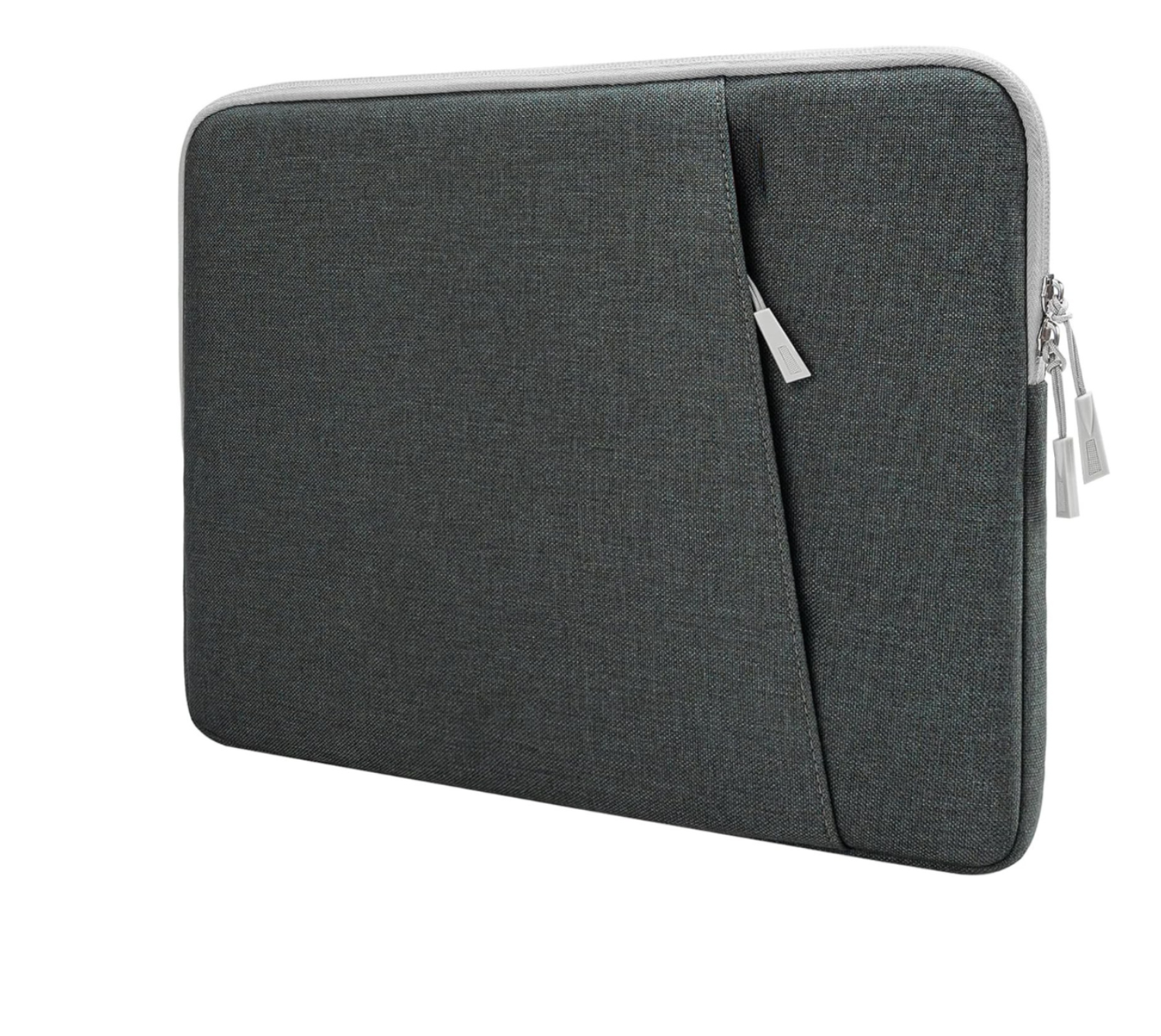
Product example from the current Modexa collection. Check its listed size and available options.
Start with something you will enjoy using
A laptop sleeve is a practical accessory, but it can also be a small expression of your style. You might prefer an understated colour that blends into a work setup or something brighter that is easy to spot on a busy desk. Neither approach requires replacing the rest of your accessories. Think about where the sleeve will spend most of its time: inside a bag, beside a laptop stand or carried between rooms.
Keep a work setup simple
Black and grey are easy starting points if you want a sleeve that sits quietly alongside a dark backpack, a desk mat or a business bag. Compare the actual product photographs rather than assuming two listings use the same shade or finish. Different materials and lighting can change how a colour looks. Select the named option on the product page so the sleeve in your cart matches your choice.
Use colour to recognise your own gear
In a household or shared study space with several similar laptops, a different sleeve colour can make your own setup easier to recognise. Pink, yellow or another available colour may suit someone who likes their accessories to stand apart. Colour does not establish laptop compatibility, so make the style choice alongside the size check rather than letting the photograph decide both.
Build a small, coordinated kit
Try choosing one main colour and keeping the remaining accessories simple. A brighter sleeve can pair with a neutral bag, while a dark sleeve can work alongside a more colourful notebook or mouse. Keep the kit useful: a sleeve for the laptop and a separate place for cables can be more convenient than a crowded bag filled with accessories you rarely use.
Confirm the exact version
Before paying, check the selected size, colour and quantity in your cart. Similar photographs can belong to different listings, and colour choices may be separate products rather than options on one page. If you are replacing an older sleeve, compare the current measurements instead of relying on its size label. Ask Modexa about an unclear measurement before choosing an alternative.
Explore the sleeve collection
Browse Modexa laptop sleeves and compare the options currently available. Choose the look you like, then confirm that its fit information matches the laptop you actually carry. Prices and availability are shown on the current listing; this guide does not promise a particular discount or reserve a colour.
Explore the products
Questions before ordering? Contact Modexa. Review our shipping policy and return policy.