Laptops & business computing
Dell Pro 5 16 at Modexa: What to Check for Your Business Setup
By Modexa
Explore the Dell Pro 5 16 configuration listed at Modexa and plan the display, memory, storage, accessories and support details you need for work.
Build your shortlist around the work you do
A business laptop needs to fit the way you work, whether that means preparing documents, managing customer information or moving between a desk and meetings. The Dell Pro 5 16 is one of the laptop listings available to explore at Modexa. Start with the software you use, the files you keep and the accessories already on your desk. These details make a more useful checklist than choosing from the model name alone.
Read the listed configuration carefully
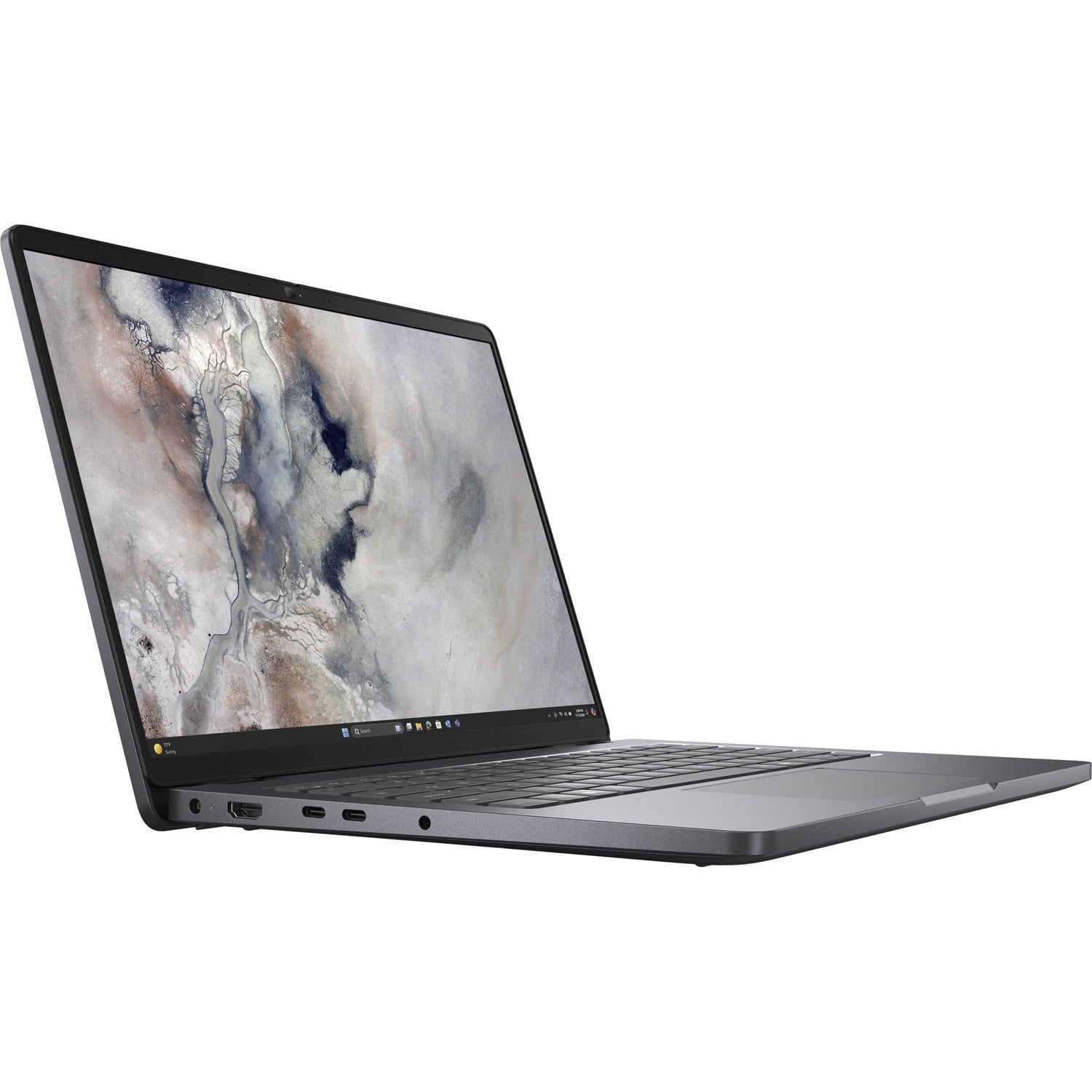
The Modexa listing identifies a 16-inch Dell Pro 5 16 with an Intel Core Ultra 5 processor, 16 GB of memory, a 512 GB SSD and Windows 11 Pro. Its title also refers to a three-year ProSupport arrangement. This guide uses those published listing details, rather than independent testing of the laptop. Check the exact processor model, display specification, available options and product condition on the current page before placing an order.
Think about screen space and portability together
A 16-inch display may be worth considering if you prefer working on a larger laptop screen. How comfortable it feels will also depend on its resolution, scaling and the applications you use. If you travel with the laptop, check its actual dimensions and weight, together with the charger and carrying bag. Compare your desk space and transport needs instead of assuming that a screen-size label tells you everything about the machine.
Plan memory and storage around real requirements
Make a list of the applications you need to run and check their current requirements. Include any specialist accounting, design or industry software rather than thinking only about browser use. Review how much storage your files already occupy and whether you work with large local projects. The listed memory and SSD capacity are starting points for that comparison. Confirm whether expansion is supported before relying on a future upgrade as part of your purchase plan.
Confirm accessories and connections before checkout
A replacement laptop can change the way your current equipment connects. List your monitor, keyboard, mouse, headset and any dock or adapter you use. Check the exact ports and supported functions on the selected Dell configuration, and confirm what charger or other accessories are supplied. If you also want a sleeve or bag, compare the closed laptop dimensions with usable internal measurements. Avoid choosing accessories solely because they share a screen-size label.
Understand the support wording for the selected unit
The listing mentions three-year ProSupport, but the article does not establish the service coverage for every purchaser or location. Ask Modexa to confirm the included arrangement for the selected product, how entitlement is registered or checked, and the process for requesting assistance. Review any applicable product warranty and the store return policy separately. Save the written product and support details with your order so you know what was agreed if you need help later.
Review the current listing before deciding
Open the Dell product page to review the current configuration, available options and price. Check delivery information against when you need the laptop, and ask about any detail that affects your work. If you are comparing it with a ThinkPad, use the exact configurations rather than general brand comparisons. Contact Modexa with your intended applications and accessory list when you need clarification before purchasing. Availability and selling prices can change after this guide is published.
Explore the products
View the Dell Pro 5 16 configuration
Questions before ordering? Contact Modexa. Review our shipping policy and return policy.