Portable monitors
How to Choose a Portable Monitor for Your Laptop
By Modexa
Compare portable-monitor connections, screen size, power requirements and stands before adding a second screen to your laptop setup.
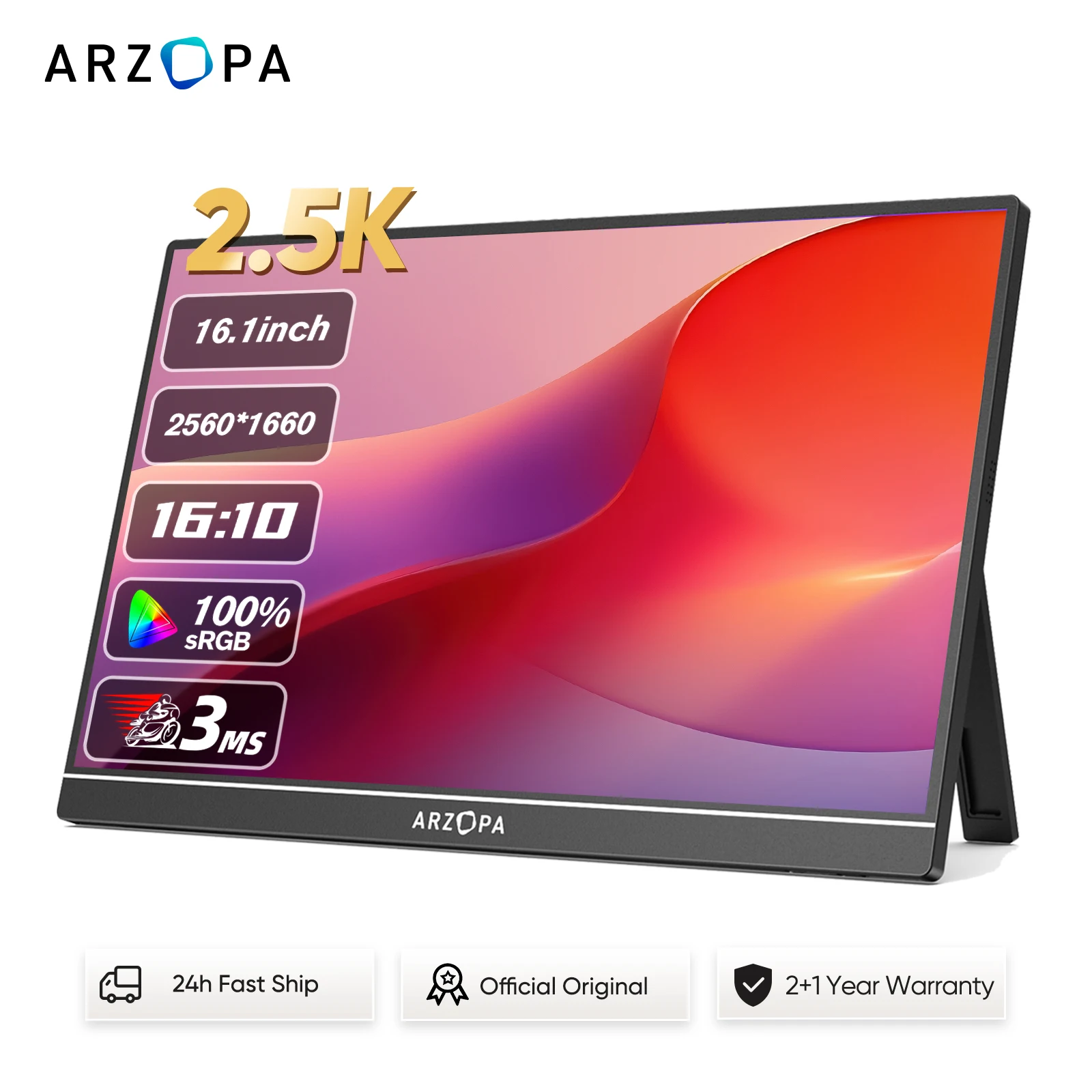
Decide what the extra screen will do
A portable monitor can give you another place for documents, reference material or a meeting window. Plan where it will sit and how often you will carry it. Someone who travels regularly may prioritise a compact screen and simple stand, while a desk-based setup may benefit from a larger display. Start with that use rather than the longest feature list.
Check the exact connection requirements
Compare the monitor inputs with the specifications for your exact laptop model. A matching connector shape alone does not confirm that a connection can carry the required video signal. Read both product manuals and check the supported connection method. If an adapter is needed, verify that it supports the intended use before adding it to your order.
Understand how the monitor receives power
Look for the power requirements and the cables or adapters included with the monitor. Some setups need a separate power connection in addition to video. Check whether the proposed arrangement works away from your desk and whether it leaves enough ports available for other accessories. Do not assume a single cable will work with every laptop and monitor combination.
Compare screen size with usable desk space
Measure the space beside your laptop and think about how much room the stand needs. Consider the screen resolution and whether you want text to appear at a similar size across both displays. A higher specification is only useful if it suits your work. Check dimensions and weight too, particularly if the monitor must fit into a travel bag.
Choose features for your actual devices
Touch input, high refresh rates and built-in speakers should be checked against the selected monitor and connected device. Available features can depend on the connection method, operating system and settings. If gaming or creative work is your goal, confirm the relevant specifications in the manufacturer documentation. Avoid treating a general compatibility claim as a guarantee for every feature.
Plan the stand, cables and packing
A stable stand and manageable cable arrangement matter for daily use. Check what is supplied and whether the screen comes with a protective cover. Keep connectors clear of strain when positioning the display. Before checkout, review the listing, compatibility information and return terms; ask Modexa about any connection detail you cannot verify.
Questions before ordering? Contact Modexa. Review our shipping policy and return policy.