Computer accessories
How to Choose a UPS Battery Backup for Your Home Office
By Modexa
Compare UPS capacity, battery-backed outlets and expected runtime before choosing a backup for your computer, router and home-office equipment.
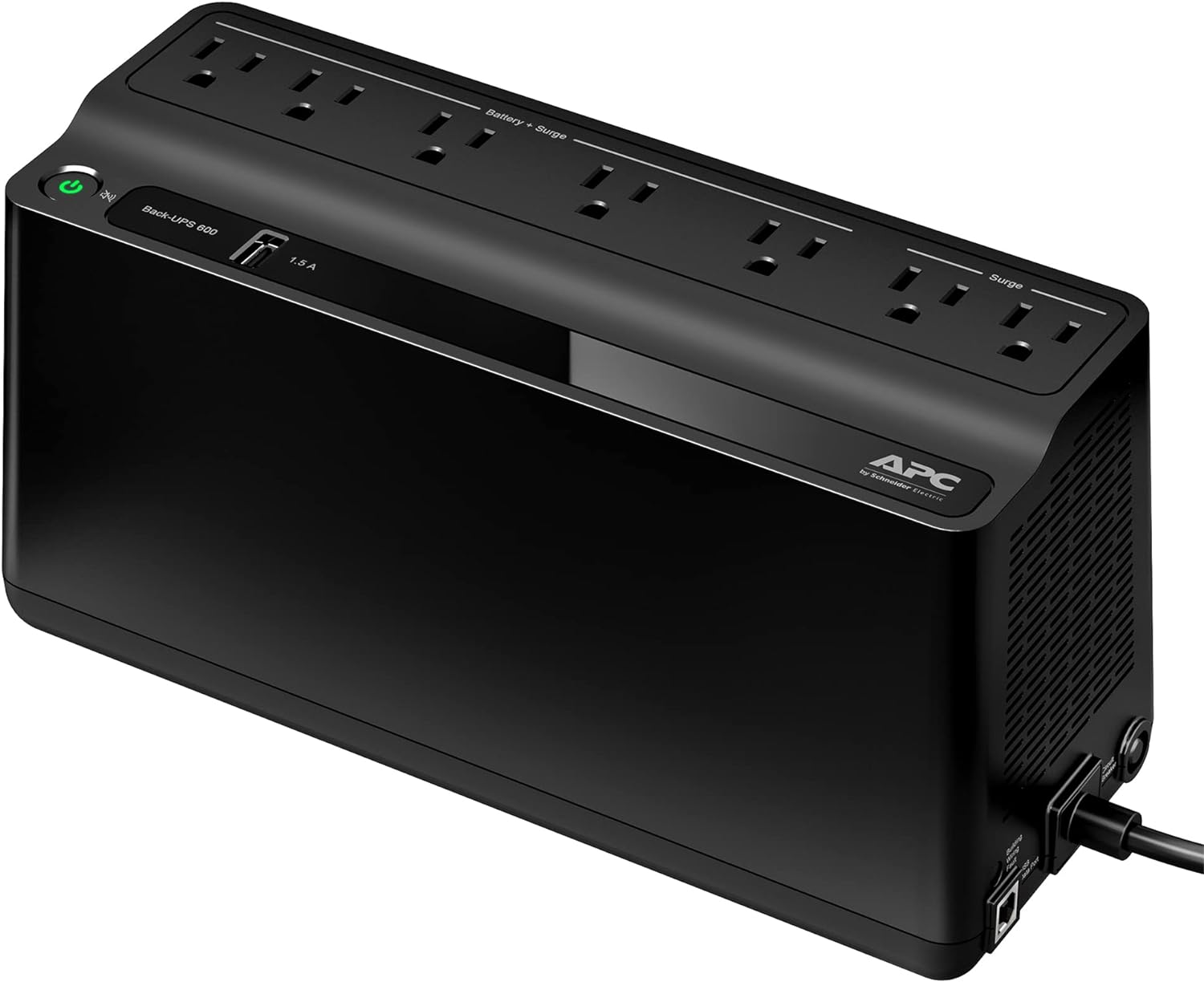
Product example from the Modexa collection. Check the current listing and manufacturer specifications for your equipment.
Decide what you want to keep running
A brief power interruption can disrupt a video call or leave unsaved work on a desktop computer. A UPS combines battery backup with power-management features, but the right model depends on the equipment you connect and the time you need. Start by deciding whether your priority is saving work and shutting down, keeping networking equipment powered briefly, or supporting a particular office setup.
Make a short equipment list
Write down the computer, monitor, router and other devices you want to connect. Check their manufacturer documentation and the UPS instructions for suitability. Decide which devices actually need battery backup and which can be shut off during an interruption. Avoid choosing from the number of sockets alone. A socket that physically accepts a plug does not establish that a device is suitable for that UPS.
Compare watts and VA separately
UPS listings may show both a VA rating and a watt rating. They describe different limits, so do not read a VA number as the number of watts the unit can supply. Compare your equipment requirements with the output specifications for the exact UPS model. Ask for help if you cannot establish the load. Leave capacity for your intended setup rather than planning around a headline rating alone.
Use runtime information for your actual load
A UPS does not provide the same runtime for every connected setup. Check the manufacturer's runtime information against the equipment load you expect to use. A runtime stated for a lighter load should not be treated as a promise for a desktop, monitor and networking equipment together. Think in terms of the time needed for a specific task, such as saving a document and shutting down.
Check which outlets receive battery power
Review the outlet diagram in the model documentation. Check whether all outlets are battery-backed or whether some provide surge protection only. Look at plug spacing, the power-cord route and where the unit will sit. Follow the installation instructions and keep required ventilation clear. Do not assume that adding another power strip or a high-power appliance is permitted; check the manufacturer guidance first.
Plan setup and ownership before ordering
Read the instructions for initial charging, status indicators and any available shutdown software. Check battery maintenance guidance and whether replacement batteries are available for the exact model. Keep purchase records and note who will respond to warnings in a shared workspace. Modexa lists an APC Back-UPS BE600M1; confirm its current specifications, included items, shipping and return terms before deciding whether it suits your equipment.
Check the manufacturer guidance
Questions before ordering? Contact Modexa. Review our shipping policy and return policy.