Computer accessories
How to Choose a Large Desk Mat or XXL Mouse Pad
By Modexa
Measure your desk, keyboard and mouse space before choosing a large desk mat. Compare size, edges, cleaning needs and RGB cable placement.
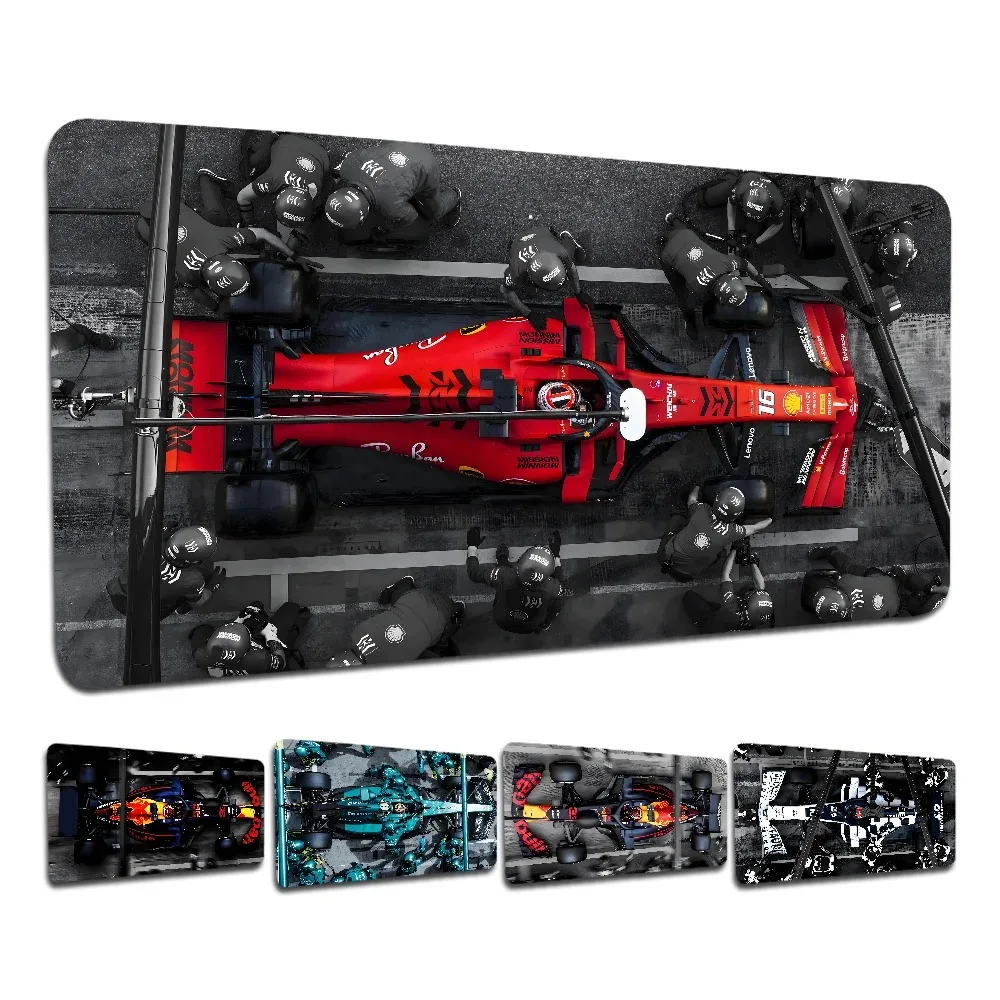
Product example from the Modexa collection. Check the listing for current options and compatibility.
Measure the space you actually use
Start with the clear area on your desk rather than the size of the desk itself. Note the space occupied by a monitor stand, speakers and other equipment. Use paper or removable markers to outline the listed mat dimensions. This shows whether the mat will sit flat without hanging over an edge or interfering with your usual setup.
Check dimensions instead of the XXL label
Large and XXL are product labels, not a universal size standard. For example, a mat listed as 900 by 400 millimetres covers a rectangle 90 centimetres wide and 40 centimetres deep. Compare both measurements with your available space. Confirm which size variation is selected, since a listing may use the same design photos for multiple sizes.
Leave enough room for mouse movement
Place your keyboard where you normally type, then check the clear space for moving the mouse. Consider your usual sensitivity setting and whether you make wide movements. A keyboard that sits comfortably on the mat can still leave too little mouse space. Check where your wrist rests and whether the edge crosses an awkward part of your working area.
Compare the surface and edge details
Read the listing for material, thickness, edge construction and backing information. A printed design tells you little about how the surface feels or grips your desk. Do not assume a thicker mat improves tracking or that a product described as non-slip will behave identically on every desk surface. Ask about missing details that matter to your setup.
Plan cables if you choose an RGB mat
For an illuminated mat, check its stated power connection, controller position and included cable. Make sure the connection can reach your setup without pulling across the mouse area. Treat lighting as a separate feature from surface quality and fit. Confirm cleaning instructions around any electronic parts rather than washing an illuminated mat as if it were plain fabric.
Choose a design after checking the fit
Modexa lists large printed desk mats, including a racing-car design advertised as 900 by 400, alongside an RGB mouse pad. Compare the current listings and selected options before buying. Keep the cleaning instructions and order confirmation, and review delivery and return information. The best starting point is a mat that fits your desk and the way you work.
Questions before ordering? Contact Modexa. Review our shipping policy and return policy.