Monitors & workspace
Dell P2426HEV Webcam Monitor: Planning a Clearer Work Desk
By Modexa
Explore the listed 23.8-inch Full HD Dell P2426HEV monitor and check webcam, display connections and workspace requirements before ordering.
Start with the work your desk needs to support
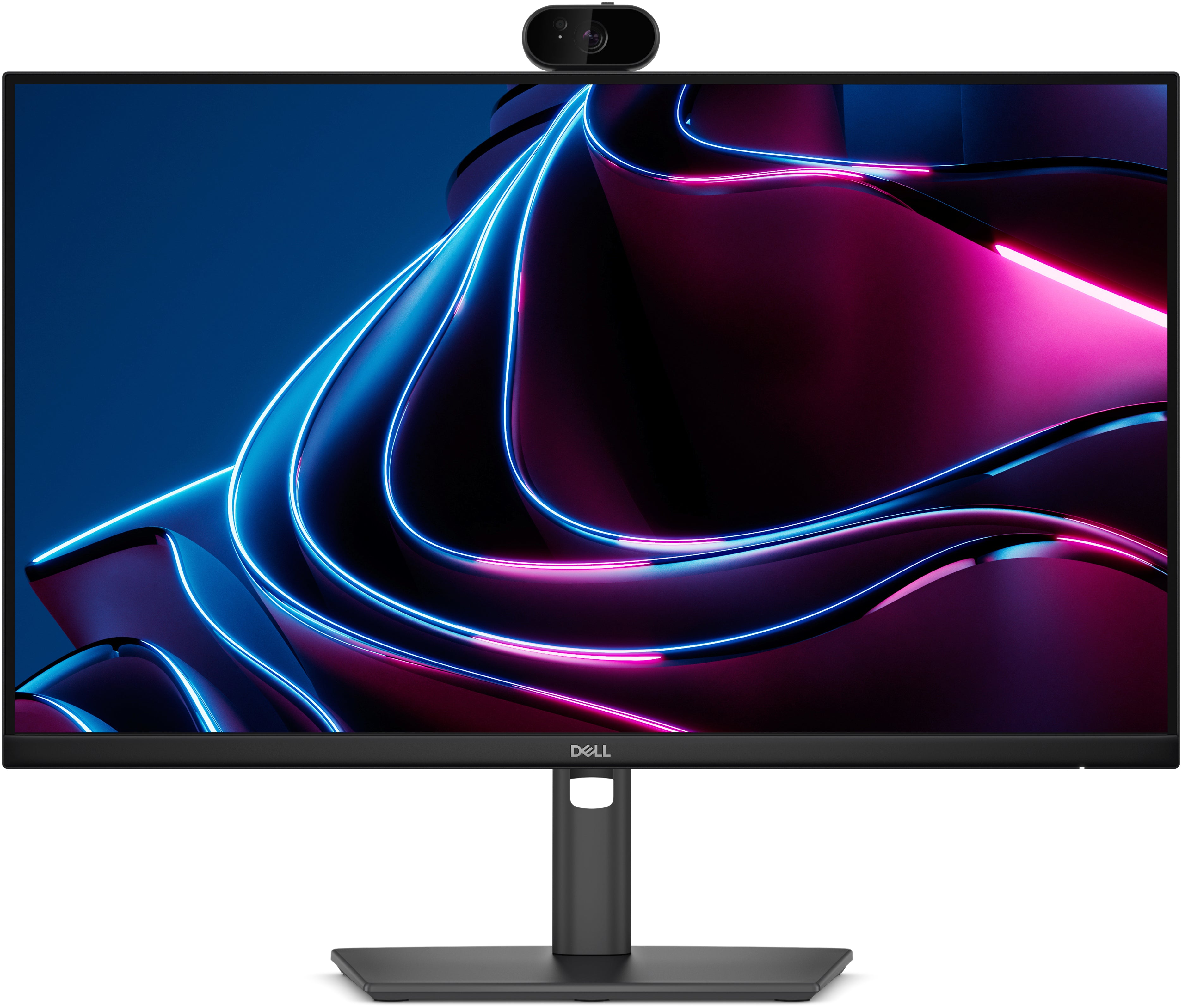
If your day alternates between documents, browser tabs and video meetings, a monitor with a built-in webcam can be worth considering. Modexa's Dell P2426HEV listing describes a 23.8-inch Full HD IPS display with a webcam. Think about whether you need a main desk display, a second screen beside a laptop, or a tidier meeting setup. This article uses the listed specifications to help plan that setup, rather than claiming tested image quality or conferencing performance.
Understand the screen size and resolution together
The catalogue lists a 1920 by 1080 resolution and a 16:9 aspect ratio. Those figures describe the screen's pixel layout, while 23.8 inches describes its diagonal size. Consider your viewing distance, the size of text you prefer and how many windows you want visible at once. If you are moving from a higher-resolution display, compare usable workspace before ordering. A larger physical screen does not automatically provide more pixels or more room for applications.
Check the meeting features you actually need
A built-in webcam may reduce the need for a separate camera on your desk. Before relying on it for work, check its specifications, the required computer connection and compatibility with your meeting software. The public listing does not establish every camera, microphone, speaker or privacy feature, so do not assume those details from the model name. Make a short list of essentials such as a privacy control or particular camera capability and ask for confirmation where necessary.
Map the connections before buying cables
The product information names HDMI and DisplayPort connections. Compare these with the outputs available on your laptop, desktop or dock, and confirm which cables are supplied. Also ask which connection is required for the webcam: a video connection alone should not be treated as proof that every built-in peripheral is connected. If you want one-cable laptop charging or docking, verify those capabilities specifically for this model and your computer before planning the rest of the desk around them.
Check the listed refresh rate against your setup
The specifications state a maximum refresh rate of 120 Hz. Confirm the supported resolution and refresh-rate combination for your chosen connection, computer and cable. After setup, check the operating system's display settings instead of assuming the maximum is selected automatically. A refresh-rate figure is only one part of the display experience; it does not establish game performance, professional colour suitability or the quality of a video call. Choose around your main applications.
Leave room for the complete installation
Measure the desk for the monitor and its stand, leaving space for your keyboard, laptop and cables. Check the monitor's actual dimensions and adjustment options rather than estimating from the diagonal screen size. Confirm mounting requirements if you plan to use an arm. Before checkout, verify the exact P2426HEV model, included accessories, warranty terms and delivery information on the current listing. Contact Modexa with unresolved connection or webcam questions so your purchase matches the desk you are building.
Explore the products
View the Dell P2426HEV monitor
Questions before ordering? Contact Modexa. Review our shipping policy and return policy.